
Microcat Land Rover [12.2014] VMware Full Instruction

Sell
shipping all the world

Good product
made in vietnam

Support
24h/7h

+849258836788
Whatsap
Description
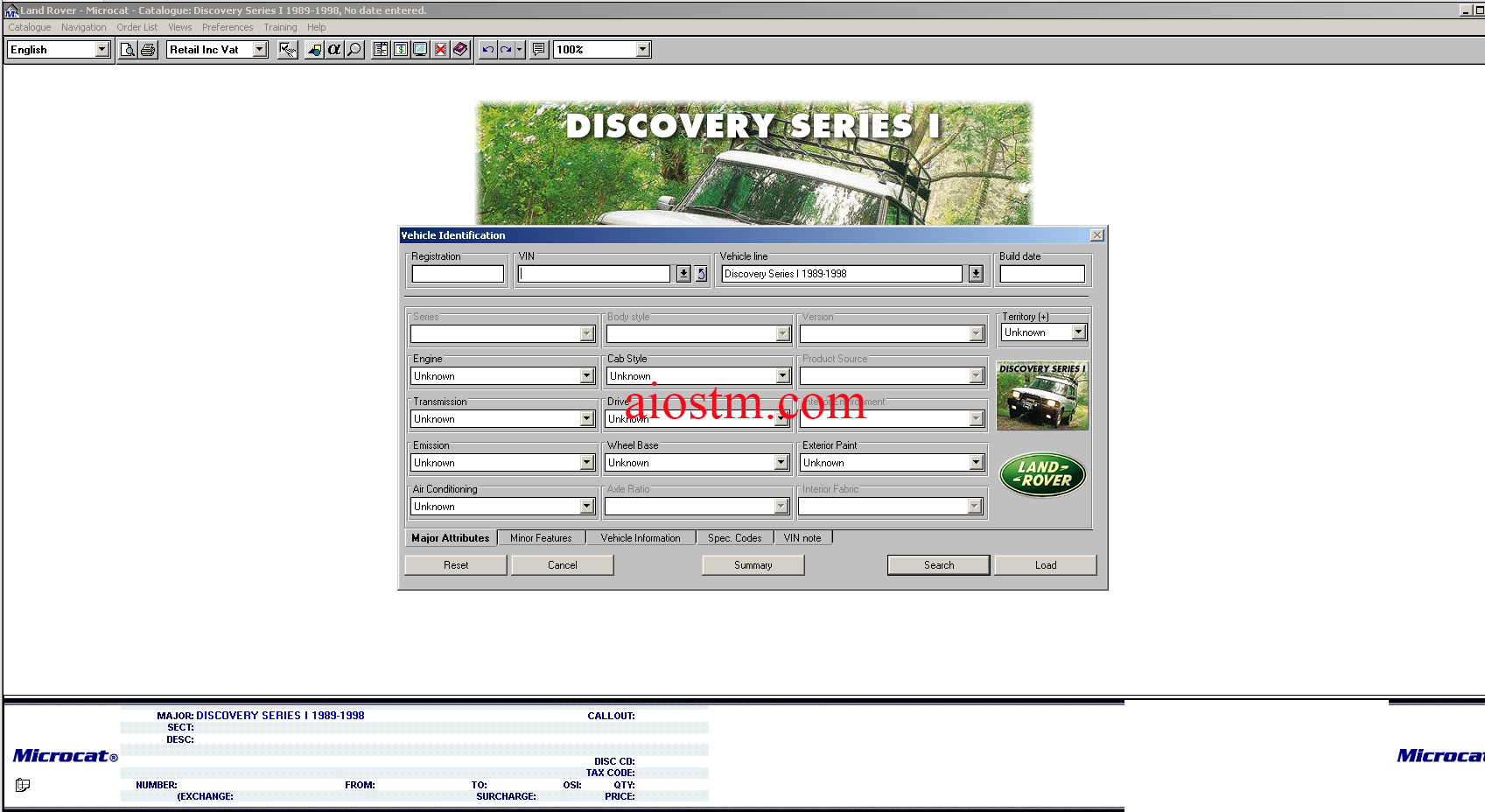
- Microcat Land Rover electronic part catalogue for Land Rover vehicles.
- There is a search by chassis number also. The information about the vehicle by chassis number gives country where the vehicle is sold, colour, equipment, etc…
Microcat Land Rover [12.2014] VMware Full Instruction
- Size: 3.05Gb (Winrar files).
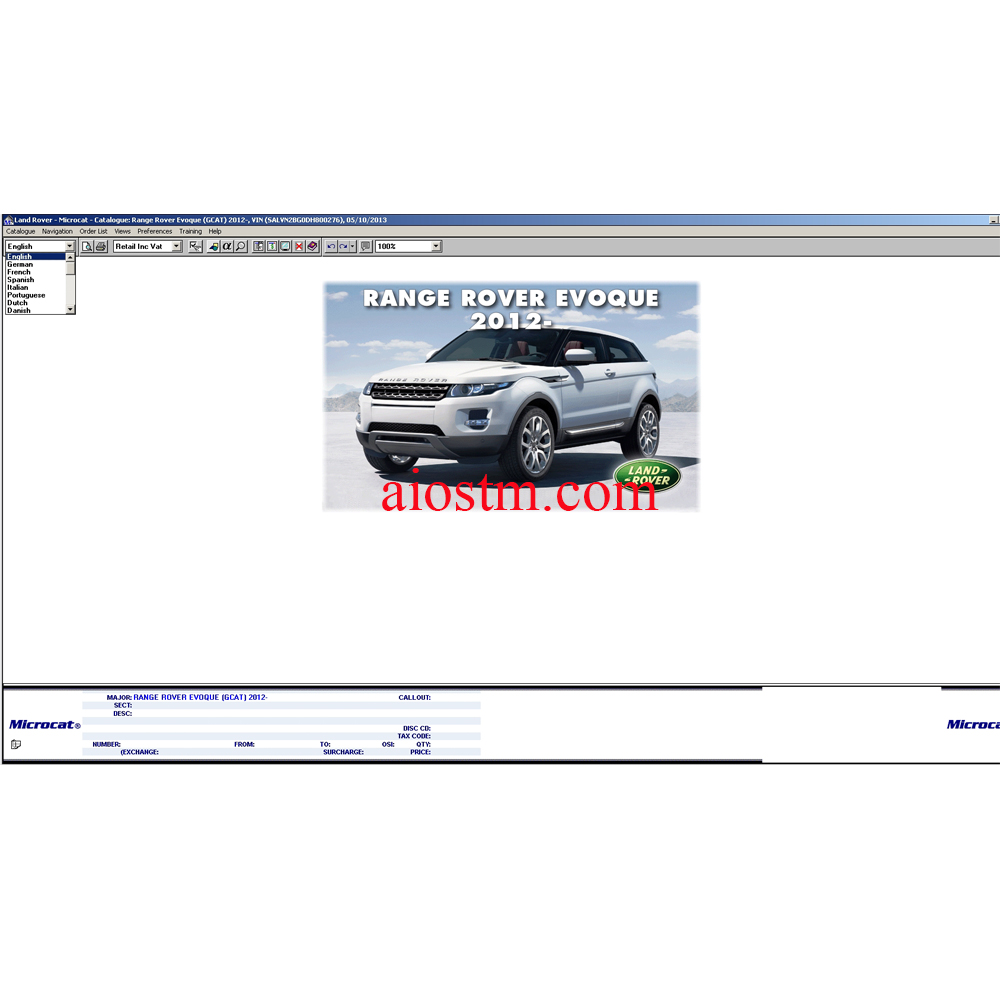
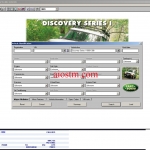
- Interface + Database Languages: English, Deutsch, Magyar, Italiano, Francais, Espanol, Nederlands, Dansk, Norsk, Svenska, Portugues, Polski, Suomi, Turkce, Russian, etc. (You can see so clearly in my pictures below).
- Type: Spare Parts Catalog for Land Rover vehicles.
- Region: Europe.
- OS: Windows 7. Window 8, Window 10 64 bit (all window can install vmware).
- Vmware OS: Window 7 32 bit profession.
- Print Functions: Present.
- Instruction: Present.
- Year: 12.2014.
– Land Rover Microcat:
- Dealer Management System integration – enables order transfer, SOH and Customer search display.
- Positive VIN identification – identifies the correct vehicle and interprets the correct part.
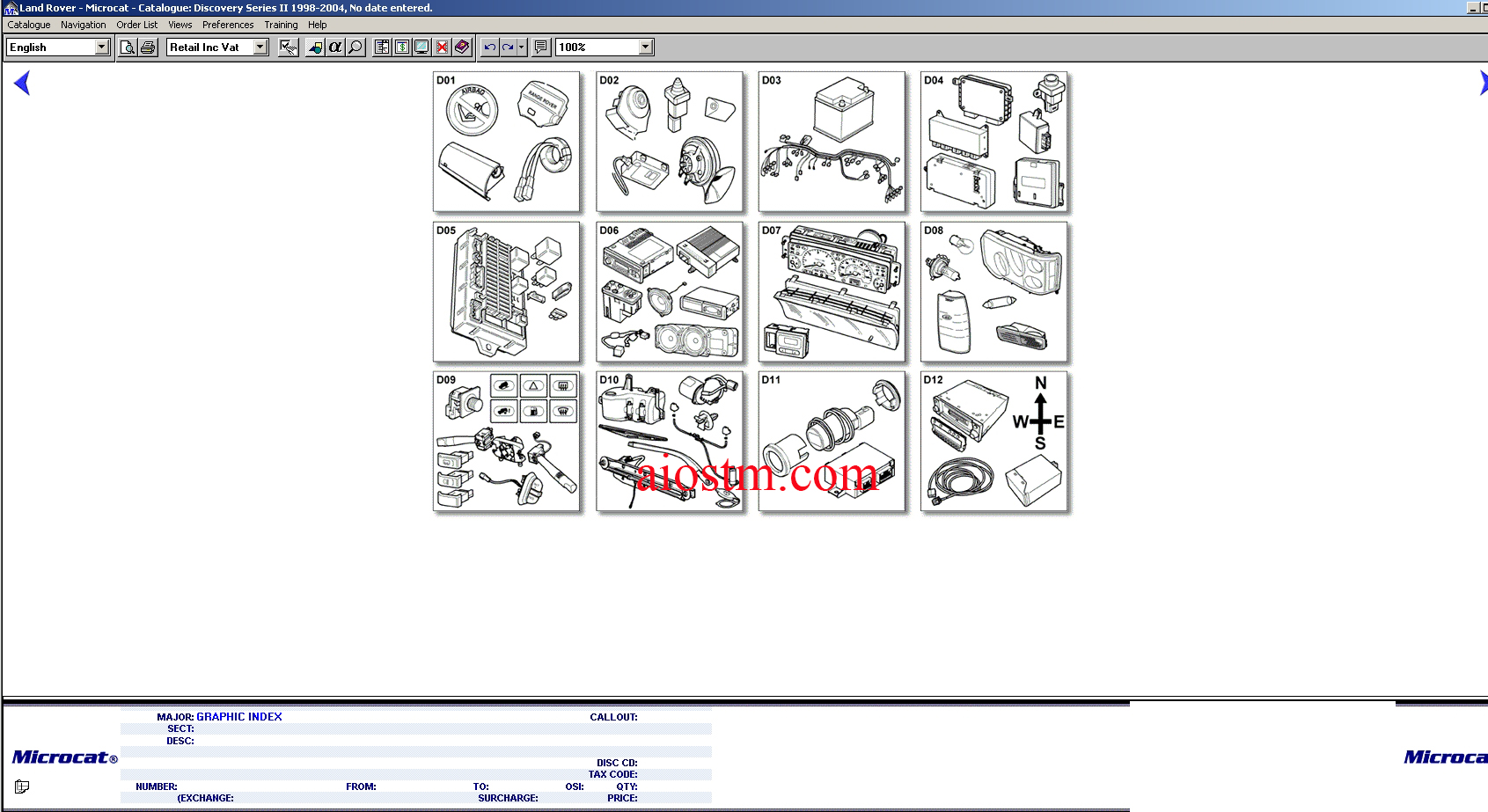
- Easy to use Graphic Index – hyperlinked illustrations of majorsections of vehicle to find the part fast.
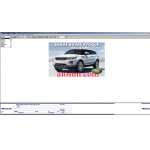
- Colour vehicle images – colour images of vehicle lines makes catalog selection easy.
- Alpha Index – select required section of catalog by viewing all sections.
- Fast loading illustrations – scroll through catalog illustrations at speed.
- Short cut keys – enabling users to find parts quicker.
- Multiple search features – Part Number, Description, cross catalog.
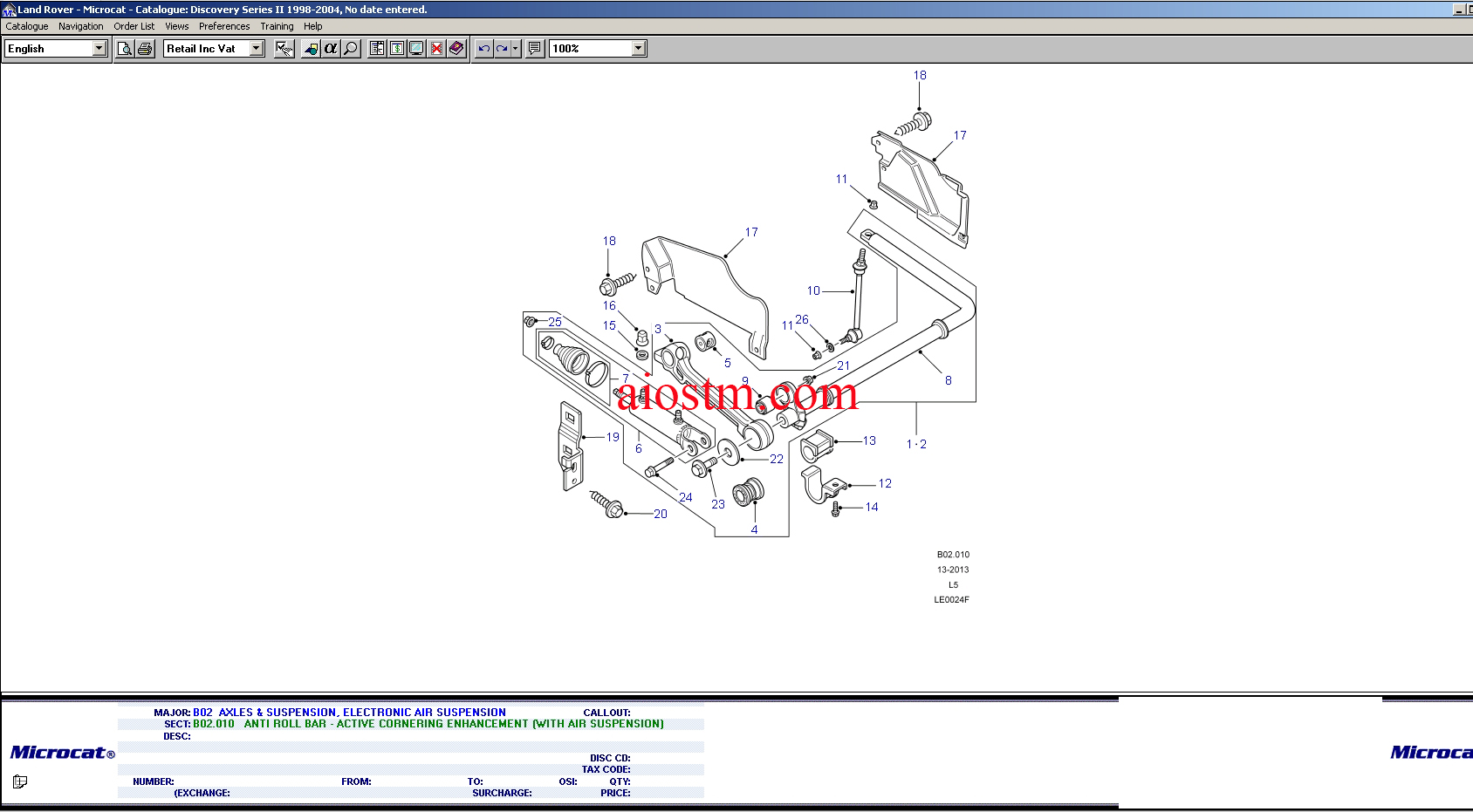
- Clear illustrations – callouts and directional arrows highlighted in colour.
- Multiple view – data and illustrations, Illustrations only.
- Exceptional operating speed – increases dealership efficiency.
- User notes – adds user notes to parts or sections.
- Parts pricing – view the latest parts pricing with easy install updates.
- Superior print facility – enabling users to print and fax quotes and images at the click of a mouse.
- Customisation print facility – enables users to put header and footers on all print outs.
- Image zooming – enables users to set the illustrations to their preferred size.
- User preferences – users can set Microcat layout, views colours, data display options etc.
- Double click to order facility – simply double click on callout to order part.
- Workbench – for users to build up an order, for transferring to DMS, printing for quote, or saving for confirmation.
- Linked illustration to data – coloured callouts on illustrations enable the user to select the required part in one click of the mouse.
- Pop up descriptions on illustrations – view part description by just placing mouse pointer over callout.
- Save and recall parts orders – quotations can be saved and retrieved later for ordering.
- All catalog data and images for all range of Land Rover models.
- Supersession Information – finds the latest cataloged part number.
- Reduce choices filtering – filter down to the correct part by entering part description.
- Interactive training guide – train first time users on the basic steps to finding a part.

![Mitchell Dimensions Catalog [2008-2020] Vmware](https://aiostm.com/wp-content/uploads/2021/09/Mitchell-Dimensions-Catalog-300x300.jpg)
 AD
AD


 Amazon
 Ebay
Ebay Alibaba
 Lazada
 Shopee
 After-Sales Support
 Tips to use
 Warranty Policy